Installing flexible LED displays can seem daunting. However, understanding how to install flexible LED displays effectively can simplify the process. This guide provides ten practical steps to achieve a successful installation. Each step is crafted to enhance your experience and ensure reliability.
Flexibility is a key feature of these LED displays. They can fit into various spaces and adapt to creative designs. However, one must pay careful attention to details during installation. Even a minor oversight can lead to performance issues. It's vital to prepare thoroughly before starting.
Moreover, having the right tools and materials is crucial. Many users overlook this aspect and face challenges later. It’s important to follow best practices while also adapting to your specific environment. Keep in mind that each installation is unique. Embrace the learning process and be prepared to refine your approach as needed.
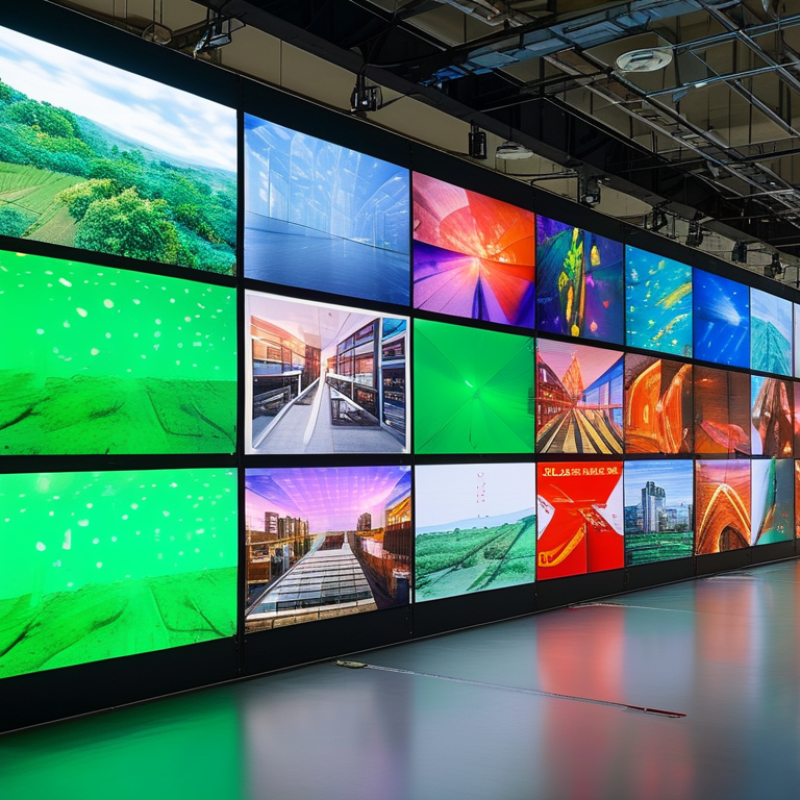
Understanding flexible LED displays requires a grasp of their types and specifications. These displays come in various forms, including indoor and outdoor variants. Indoor flexible LED screens are typically thinner and lighter, making them suitable for events and exhibitions. They provide high-resolution images that catch the eye. On the other hand, outdoor displays are built to endure weather changes. They are usually more robust, with higher brightness levels to ensure visibility in sunlight.
Specifications also play a crucial role in the selection process. The pixel pitch, which refers to the distance between pixels, can significantly impact display clarity. A smaller pixel pitch means a higher resolution, ideal for close viewing distances. Additionally, flexible LED displays must have high refresh rates to ensure smooth motion. Build quality is another area where attention is essential. A poor-quality display may not withstand the rigors of installation and may lead to various issues later on.
There are challenges in installation too. Understanding the power requirements and ensuring proper ventilation is critical. Consider the available space and how flexible your installation can be. Some displays may not bend as much as advertised. Adjusting your installation strategy around these limitations can sometimes be frustrating. However, careful planning can lead to better results over time. Analyzing specifications and types can ultimately help you make informed decisions.
| Step | Description | Tools Required | Time Estimate |
|---|---|---|---|
| 1 | Gather all necessary equipment and materials for installation. | Measurement tools, Installation Manual | 1 hour |
| 2 | Choose the right location for the display, considering visibility and access. | None | 30 minutes |
| 3 | Prepare the mounting surface by ensuring it's clean and sturdy. | Cleaning supplies, Level | 30 minutes |
| 4 | Install any necessary mounting brackets or structures. | Drill, Screws, Level | 1 hour |
| 5 | Connect the power supply and any data cables to the display. | Wire Strippers, Screwdriver | 1 hour |
| 6 | Carefully attach the flexible LED display to the mounting brackets. | Ladder | 2 hours |
| 7 | Test the connectivity and functionality of the display. | Multimeter, Testing Equipment | 30 minutes |
| 8 | Adjust the brightness and settings for optimal viewing. | Remote Control, Calibration Tools | 30 minutes |
| 9 | Secure all cables and wires to prevent accidents. | Cable Ties | 30 minutes |
| 10 | Review the installation and documentation for future reference. | Installation Manual | 20 minutes |
: Calibration ensures optimal performance and color accuracy. Over 30% of display issues arise from insufficient calibration.
Use tools like colorimeters. They help ensure colors appear consistently across the entire screen.
Temperature fluctuations can impact brightness and color output. Regular monitoring of these conditions is crucial.
Use a soft, lint-free cloth. Avoid abrasive materials to prevent scratches on the display's surface.
Keep an eye on humidity and temperature. A stable environment ensures better performance and longevity.
Routine inspections are recommended. Regular maintenance can catch potential issues early to prevent failures.
You may face inconsistent performance or complete failure. A little effort in maintenance goes a long way.
Intense or prolonged use means more maintenance is needed. Adjust your schedule accordingly to enhance performance.
Color uniformity is crucial. Displays can lose up to 20% in accuracy without proper calibration.
Yes, reflecting on best practices can lead to more effective maintenance strategies in the future.
Installing flexible LED displays can be a straightforward process when you understand the essential steps involved. First, it's crucial to familiarize yourself with the various types and specifications of flexible LED displays to ensure you select the right one for your application. Next, evaluate the site preparation requirements, as proper planning can significantly impact the installation process.
The step-by-step guide to wiring and powering the displays is key to achieving optimal performance. After installation, testing and calibration are vital to ensure the displays function correctly. Lastly, adopting maintenance best practices will help prolong the longevity of your flexible LED screens. By following these steps, you'll learn how to install flexible LED displays efficiently and effectively, ensuring a seamless integration into your environment.

 Aras LED